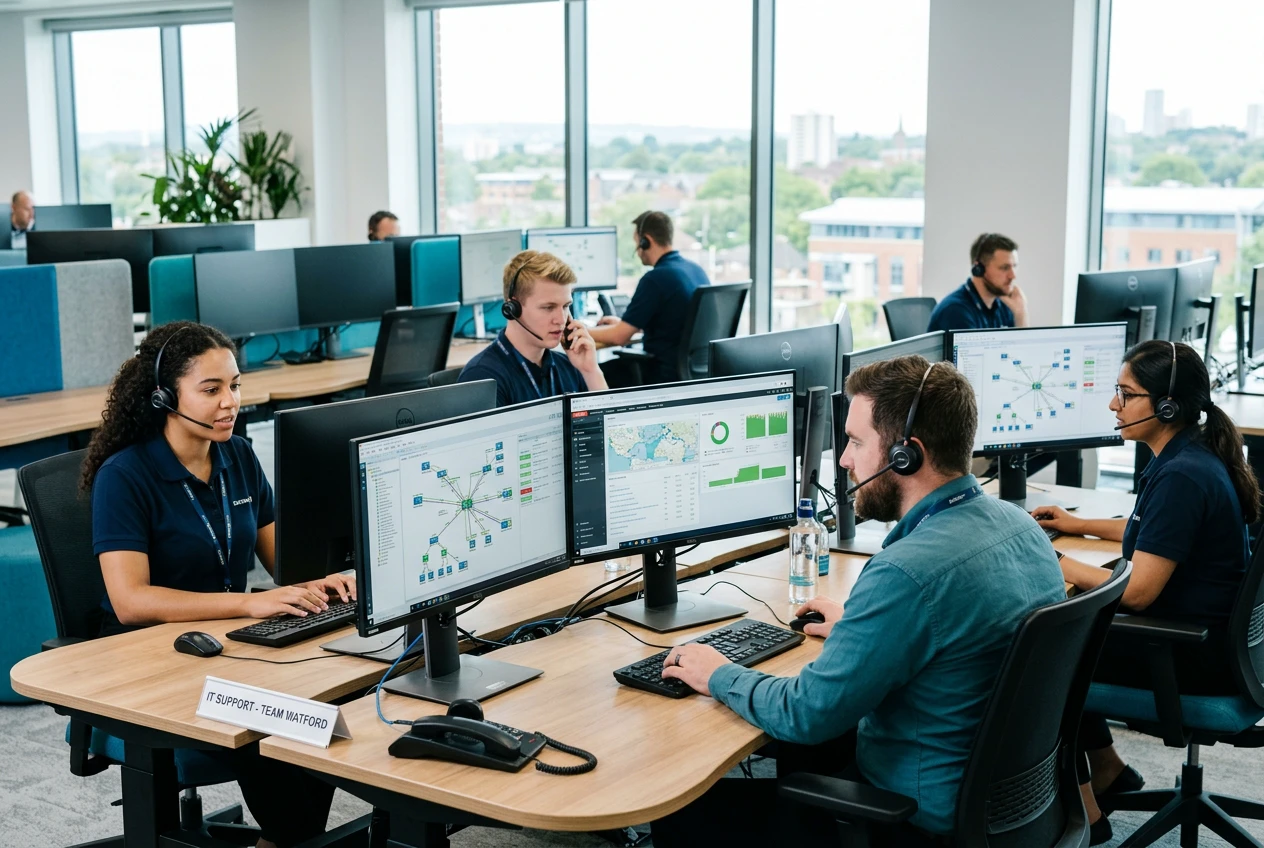
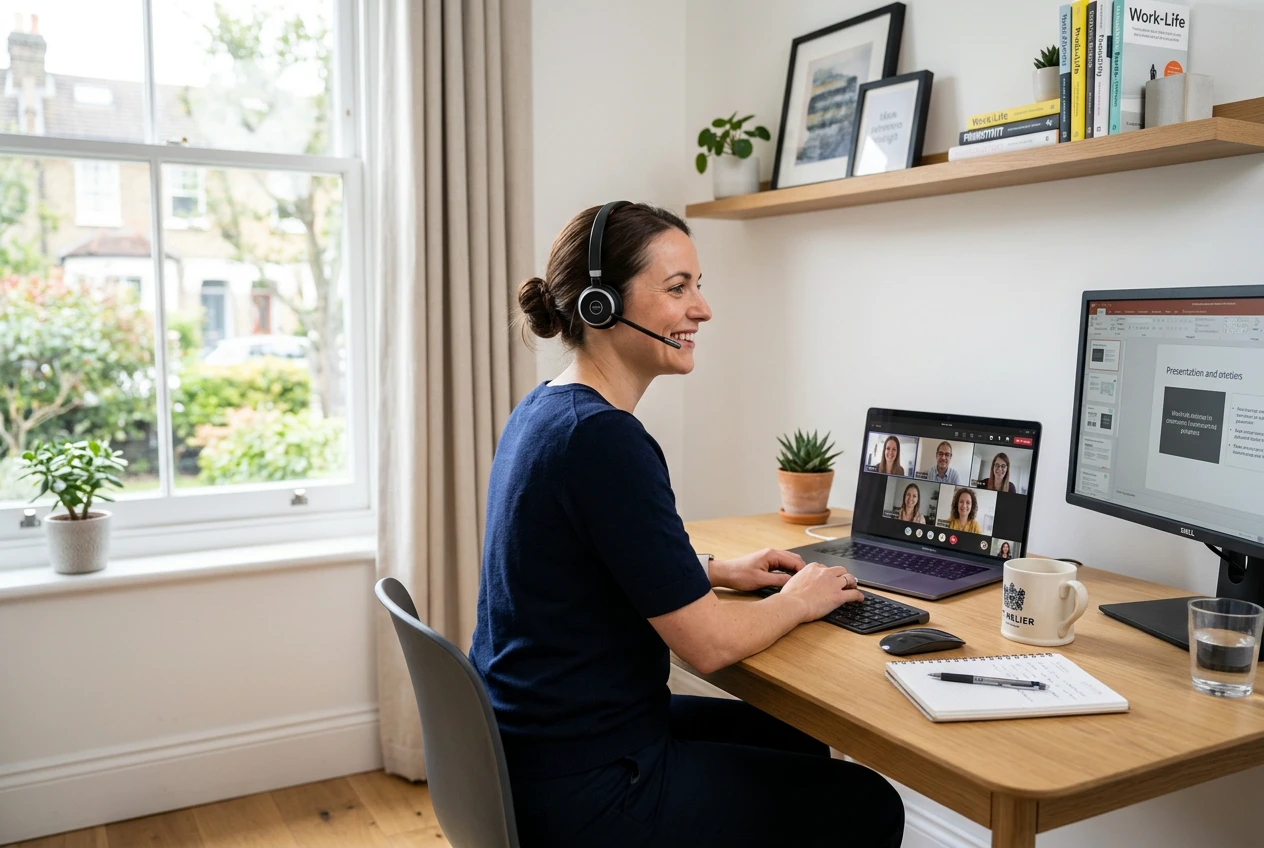
Five years on from the lockdown rush, hybrid working is the default for most UK office-based SMEs. The technology to do it properly is now mature, affordable and well-integrated — but a lot of what we walk into is still the 2020 emergency build: personal laptops, consumer VPNs, a Teams account bolted onto an Exchange tenant, and a phone system that pretends nothing happened. Here is what a deliberate hybrid setup looks like in 2025.
Devices: managed, not borrowed
Company-owned, Microsoft Intune-managed laptops are the foundation. Autopilot ships a new device direct from the supplier to the user’s home; they sign in with their work account and the device configures itself — BitLocker, Defender, conditional access, line-of-business apps, the lot. Personal devices stay personal: if someone needs access from a home PC they get it through a browser, with no company data ever stored locally. This single change eliminates 80% of the data-loss and offboarding pain we see.
Identity and access: MFA, conditional access, no VPN
Identity is the new perimeter. Every user gets multi-factor authentication — ideally via the Microsoft Authenticator app, with passwordless sign-in for the keen. Conditional access policies enforce sensible rules: only managed devices can sync mail, sign-ins from unusual countries get challenged, legacy authentication is blocked outright. For most SMEs this removes the need for a traditional VPN entirely: apps are reached over the internet, protected by identity, not by a tunnel.
Network: business-grade at home, properly at the office
For staff who work from home most days — directors, senior engineers, customer-facing roles — a consumer ISP router is usually the weakest link in the chain. We deploy small business-grade access points and routers (UniFi, Meraki Go) at home, configure a separate work SSID, and where the role demands it we provide a 4G/5G failover so a domestic broadband outage does not stop the day. At the office a proper Wi-Fi 6 deployment, wired uplinks for desk phones and meeting-room kit, and a tidy patch panel are non-negotiable.
Telephony and meetings: one number, anywhere
Hybrid working killed the desk phone. We move clients to a cloud telephony platform — Microsoft Teams Phone where the rest of the stack is M365, a dedicated VoIP platform otherwise — so that one published number rings the user wherever they are, on whichever device. Meeting rooms get a Teams Rooms or comparable system with a proper camera and microphone array; nothing destroys a hybrid meeting faster than a laptop on the boardroom table.
The rules that make it sustainable
Technology gets you 70% of the way. The remaining 30% is policy: a written remote-working policy that covers acceptable use, equipment, data handling and incident reporting; a clear offboarding process that wipes managed devices and revokes access the same day; and a regular review of who has admin rights, who has access to which SharePoint sites, and which third-party apps users have connected to the tenant. Done properly, hybrid is not a compromise — it is a recruiting advantage and a productivity uplift. Done badly, it is a slow-burn security incident.