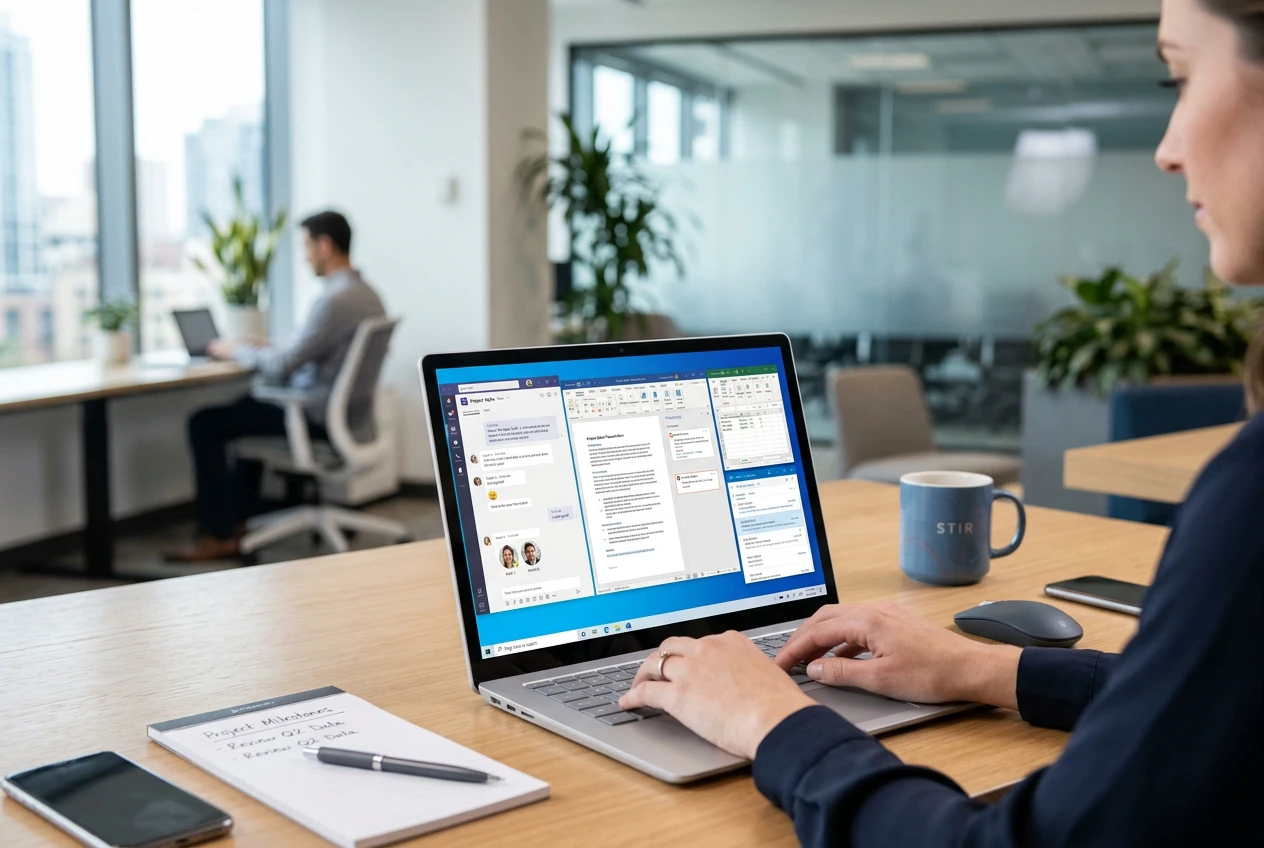

On 14 October 2025, Microsoft stops issuing free security updates and technical support for Windows 10. Your existing Windows 10 PCs will keep working the next morning — but every new vulnerability discovered from that day onwards will go unpatched on those devices unless you pay for Extended Security Updates. For an SME, that is not a theoretical risk: it is the kind of thing that quietly invalidates cyber insurance and fails Cyber Essentials.
What actually changes on 14 October 2025
- No more free security updates from Microsoft for Windows 10 Home, Pro, Enterprise or Education.
- No more free technical support from Microsoft for Windows 10 issues.
- No more feature updates — Windows 10 is essentially frozen.
- Cyber Essentials requires all in-scope software to be in-support. Out-of-support Windows 10 will fail certification.
- Most cyber-insurance policies require supported, patched operating systems. Running out-of-support Windows 10 can void cover at claim time.
Your three options
Option one is upgrade in place: if the device meets Windows 11 hardware requirements (TPM 2.0, supported CPU, 4 GB RAM minimum, 64 GB storage), you can move it to Windows 11 for free. About 70 to 80 percent of business-grade laptops bought in the last four years qualify. Option two is replace the hardware: any device that does not qualify either gets retired or replaced with a Windows 11 device. Option three is buy Extended Security Updates from Microsoft, at a price that doubles each year — sensible as a short-term bridge for a few stragglers, expensive as a long-term plan.
The migration plan we use with clients
- Audit every Windows 10 device against the Windows 11 hardware requirements (we use Microsoft Endpoint Manager or a free script).
- Sort into three buckets: upgradeable now, replace within budget cycle, retire.
- Stage upgrades by team and risk — start with low-risk users to validate driver and application compatibility.
- Plan replacement purchases against your existing refresh budget so this is not a surprise cost.
- Use the migration as an excuse to tidy up Intune / autopilot, conditional access and standard build images.
Most SMEs we work with can complete the migration in 8 to 12 weeks of calm planning. The ones that leave it until September will be paying premium prices for hardware and rushing the rollout. If you want a free Windows 10 audit and a costed migration plan, get in touch.